From your recorder to an answer, in three steps.

Rikuy puts the eyes. Your agent puts the intelligence. A small Bridge reads the recorder you already have, you decide what can be seen and when, and every look your agent takes is written down.

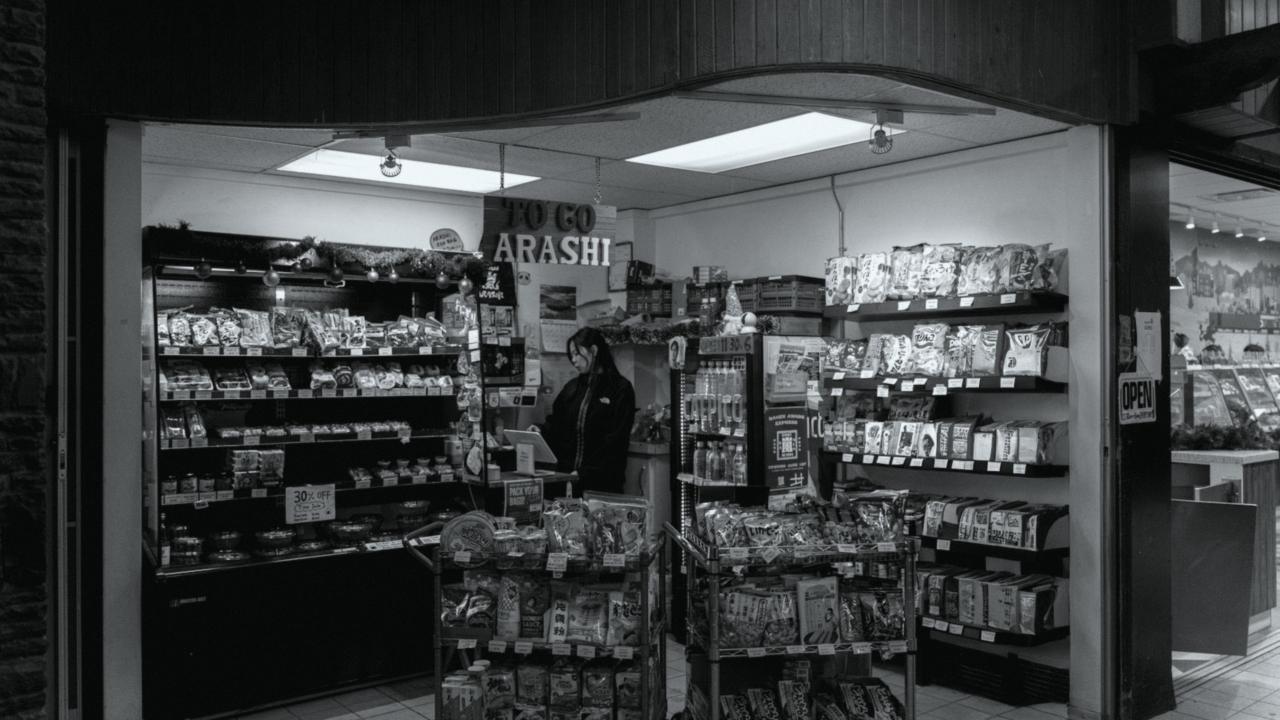
CAM 01 · REGISTER
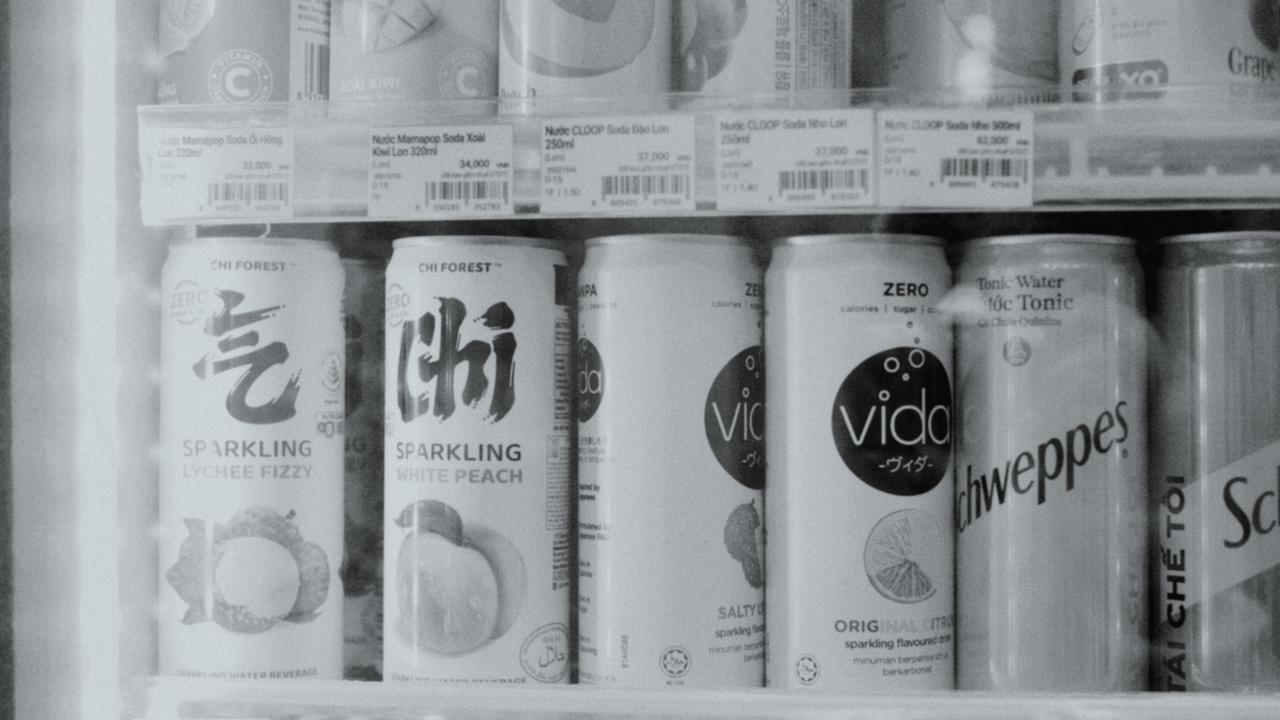
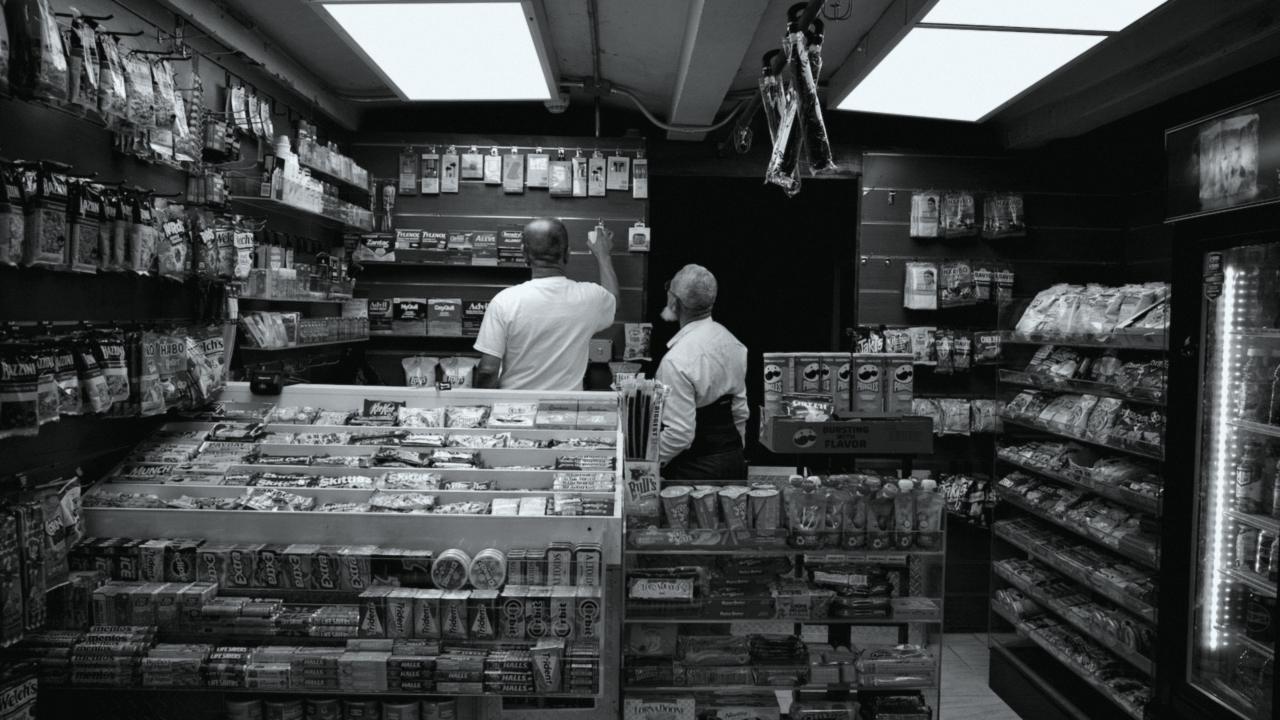
Did the night shift hand out more scratch-offs than the lottery terminal shows?
Yes. The terminal shows 38 tickets after 11 PM. Camera 1 shows 52 handed over the counter, the extra 14 between 2:10 and 3:40 AM. Want the clips?
Logged by Rikuy · CAM 01 Register · 11 PM to 7 AM · 96 frames

Three steps. You hold the switch at every one.

Rikuy doesn't detect, count or recognize anyone. It fetches the minutes your agent asks for, within your rules, and keeps a record of each look.

1Rikuy Bridge

The Bridge connects your recorder.

A small box at the store talks to the DVR or NVR in the back office and dials out to Rikuy. No ports to open on your router. The audio track is dropped at the source.

Hikvision DS-7608NI · 8 chfound
Bridge → Rikuy · port 443outbound only
Recorder clock+2 s · checked
2Cameras and hours

You choose cameras and hours.

Every camera starts off. You turn them on one by one and paint the hours your agent may look. Restrooms and changing areas can't be connected at all.

Register · on
Coolers · off
3Your agent

Your agent looks. Every look is logged.

Ask in English or Spanish, from the AI you already use. Rikuy writes the look down before any image leaves, then hands your agent the frames with a note: review the clip before acting on it.

¿Quién entró por la puerta de atrás después de las 10?
look_8F2K · get_clip · 60 slogged

What actually happens, step by step.

Three moments: the day you connect the store, the day you set your rules, and every time you ask a question.

Day one · about 30 minutes

Connect the recorder

  1. 01Plug the Bridge into power and your router.
  2. 02Type the Bridge code in Setup. It comes online.
  3. 03The Bridge finds your recorder. You confirm brand and model.
  4. 04You add a Rikuy user on the recorder. The guide shows how.
  5. 05A test frame, a search and a download. Your cameras appear, all off.
Your rules

Label cameras, set hours

  1. 01Rikuy proposes names: Register, Lottery counter, Pumps, Coolers, Back door, Office, Restroom.
  2. 02Your agent can suggest what each one sees. You confirm.
  3. 03Restroom cameras are blocked for good.
  4. 04Post the employee notice and the store sign. Until then, nothing turns on.
  5. 05Turn cameras on and pick hours: Register always, Back door at night, Office never.
Every question

You ask, your agent looks

  1. 01You ask your agent about the night shift.
  2. 02It lists cameras and picks the register by what it sees.
  3. 03Rikuy checks your rules on its side: camera on, hour allowed, days back.
  4. 04The look is logged first. Then the Bridge brings the frames, with the corrected time.
  5. 05Your agent answers you and writes its conclusion into the log.

Paint the hours your agent may look.

Pick a camera, then a template, or tap single hours. Outside the painted hours your agent gets OUTSIDE_SCHEDULE, enforced on our server, never in the agent.

Selected: Register · 24 h a day · days back 7
12 AM6 AM12 PM6 PM11 PM

Changes save on their own and show up in Activity. Hours are your store's local time.

Every look is on the record.

Which camera, which minutes, what your agent was asked and what it concluded. Looks your agent flags come first. Kept 12 months; thumbnails 30 days.

Sunrise Food Mart · last night
TimeAgentCameraToolFramesPurposeAnswer
07:02ClaudeCAM 01 Registerget_frames24lottery count vs terminal14 tickets unmatched · flagged
06:58ClaudeCAM 05 Back doorget_clip60 sice delivery timeDelivery at 22:42, 6 bags
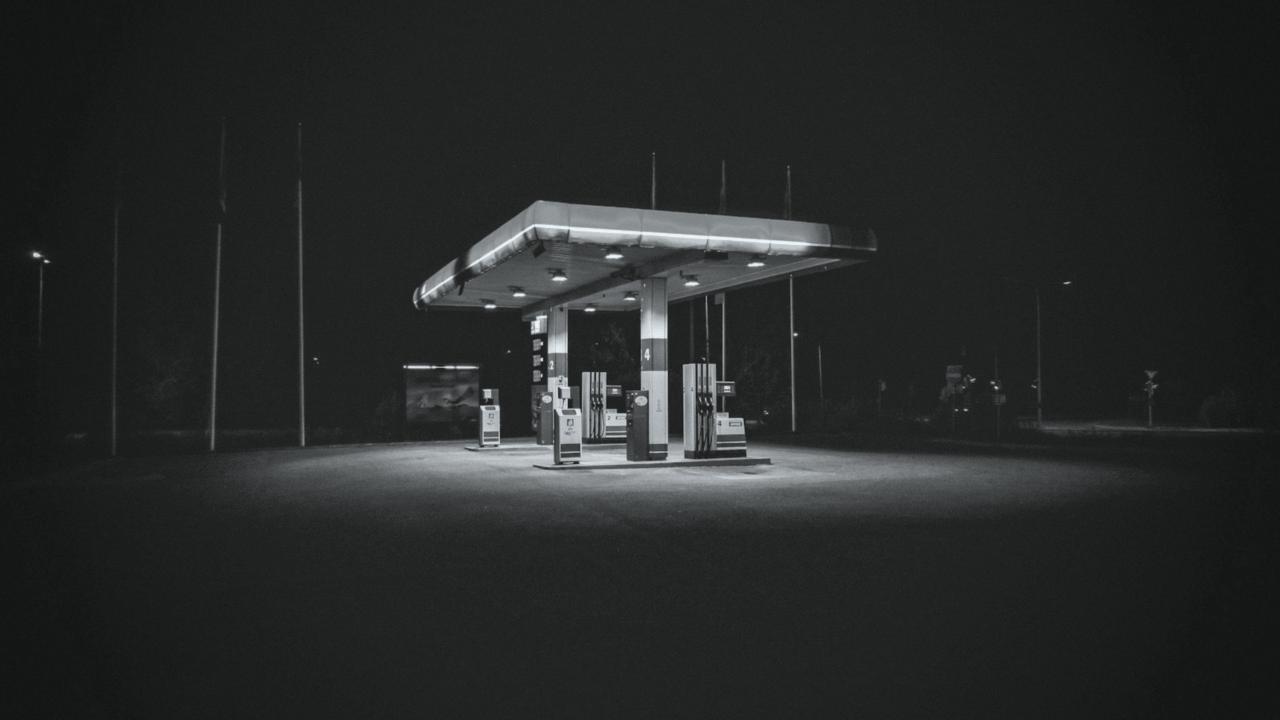
03:20MuseCAM 03 Pumpsget_frame1pump 4 drive-off checkCar paid inside, no drive-off
02:41GrokCAM 02 Lottery counterget_frame1night checkAnswer not reported by the agent
01:05ChatGPTCAM 06 Officeget_frame0cash drawer countCAMERA_OFF · office is never shared

Example data from a fictional store. When an agent doesn't report its conclusion, the log says "Answer not reported by the agent".

How clear the glass is tells you what can be seen.

Every camera sits behind glass. One tap on Cut all access fogs every pane at once; turning access back on asks you to confirm.

Register camera, being looked at agent looking
Liquid lensYour agent is looking at this minute, and the look is being logged.
Pumps camera, allowed agent can look
Clear glassAllowed during the hours you painted.
Back door camera, outside its hours outside schedule
Frosted glassOff for agents, or outside its hours. It still records on your recorder.
blocked · never connected
SolidRestrooms and changing areas. Rikuy never asks the recorder for that channel.

See it on your own cameras.

We're in private demo with Florida stores. The first camera is free, and we check your recorder before you pay anything.